
 purpl3F0xandClaude Opus 5.5
6b861553b7
- Add `ports-align` ("center" by default, "top", "bottom", or "spread" for
  the previous evenly spread layout) and `ports-pitch` to `verilog.block`.
- Packed layouts use minimal margins, only reserving room for the module
  name and north/south ports, and size the block to the busiest side.
- The automatic height now also adapts to custom `ports-margins`.
- Regenerate the gallery image and the manual.

Co-Authored-By: Claude Opus 5.5 <noreply@anthropic.com>
Signed-off-by: Stavros Avramidis <stavros9899@gmail.com>
circuiteria
Circuiteria is a Typst package for drawing block circuit diagrams using the CeTZ package.

Examples
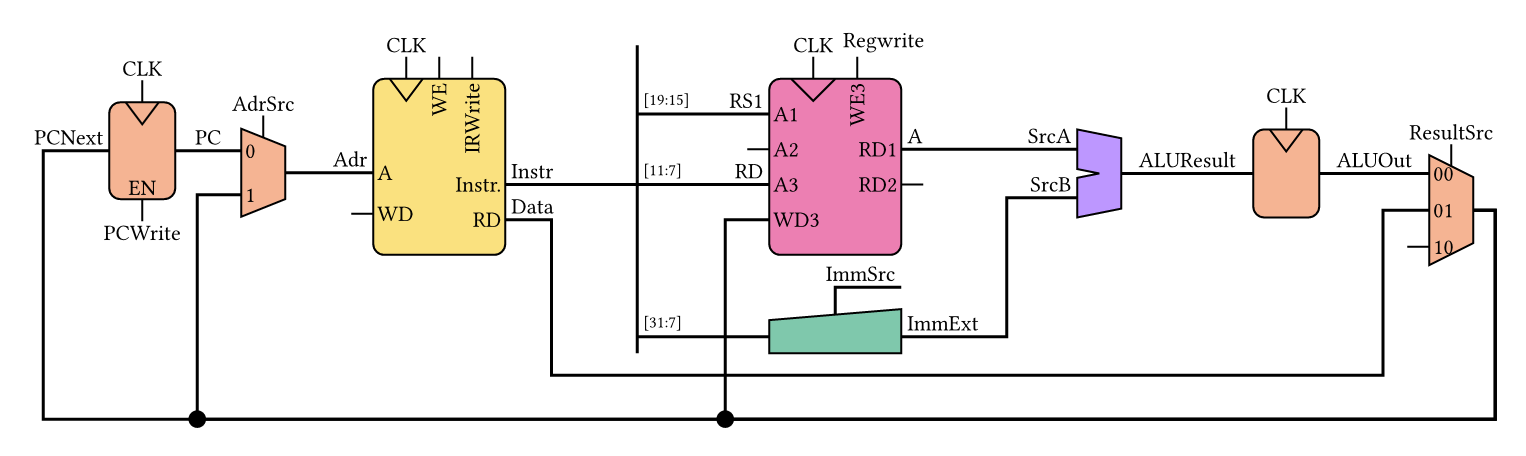
|
|
| A bit of everything | |
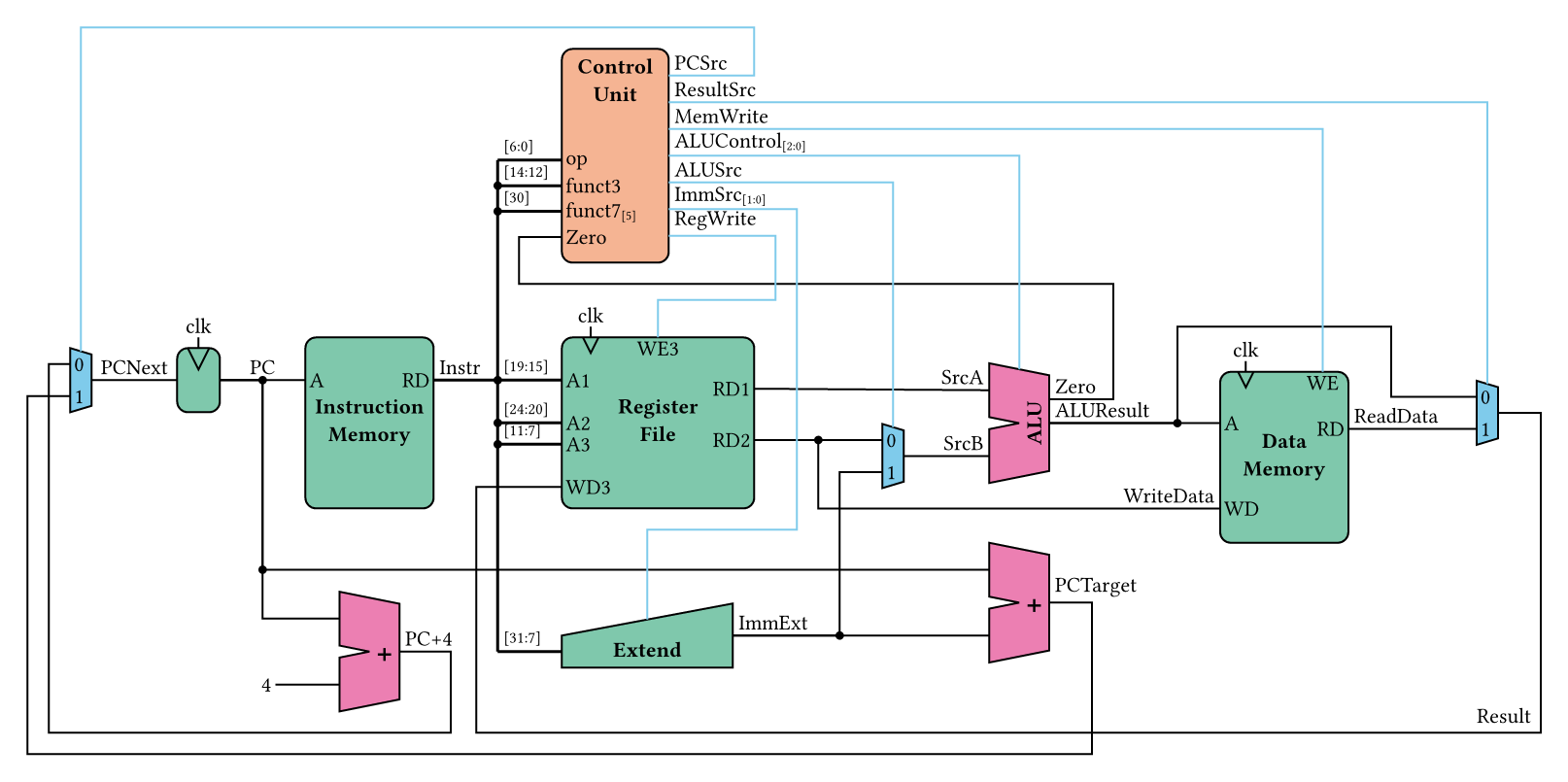
|
|
| Wires everywhere | |

|
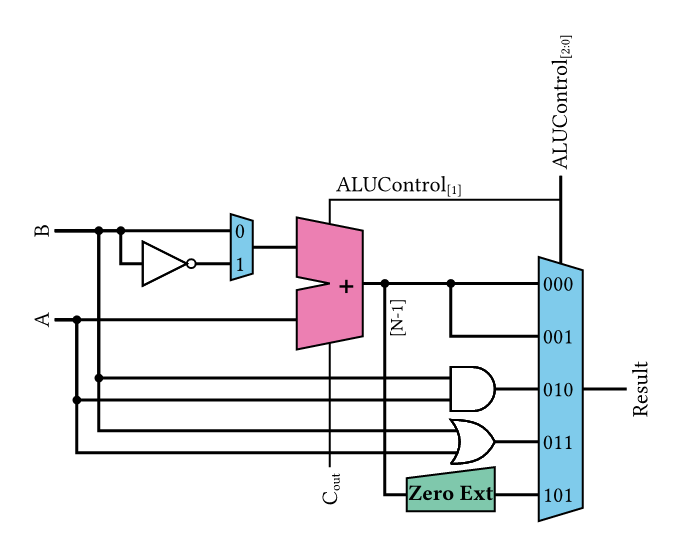
|
| Groups | Rotated |

|
|
| Generated from a Verilog module | |
Note
These circuit layouts were copied from a digital design course given by prof. S. Zahno and recreated using this package
Click on the example image to jump to the code.
Usage
For more information, see the manual
To use this package, simply import circuiteria and call the circuit function:
#import "@preview/circuiteria:0.2.1"
#circuiteria.circuit({
  import circuiteria: *
  ...
})
Verilog modules
Blocks can be generated automatically from Verilog/SystemVerilog sources.
AXI4, AXI4-Lite, AXI4-Stream, APB and BRAM signals (Vivado BRAM interface, or
<prefix>_addr/_dout/_wr_en/_wr_addr/_wr_data/_rd_addr/_rd_data
RAM ports) are grouped into single bus ports, and clock/reset signals are
detected and placed together:
#circuiteria.circuit({
  import circuiteria: *
  verilog.block(read("my_module.v"), x: 0, y: 0)
})
The port ids are the signal names, or the bus prefixes for inferred buses
(e.g. "my_module-port-s_axi"). Unprefixed buses (e.g. bare PADDR, PSEL,
...) are named after their kind ("my_module-port-apb").